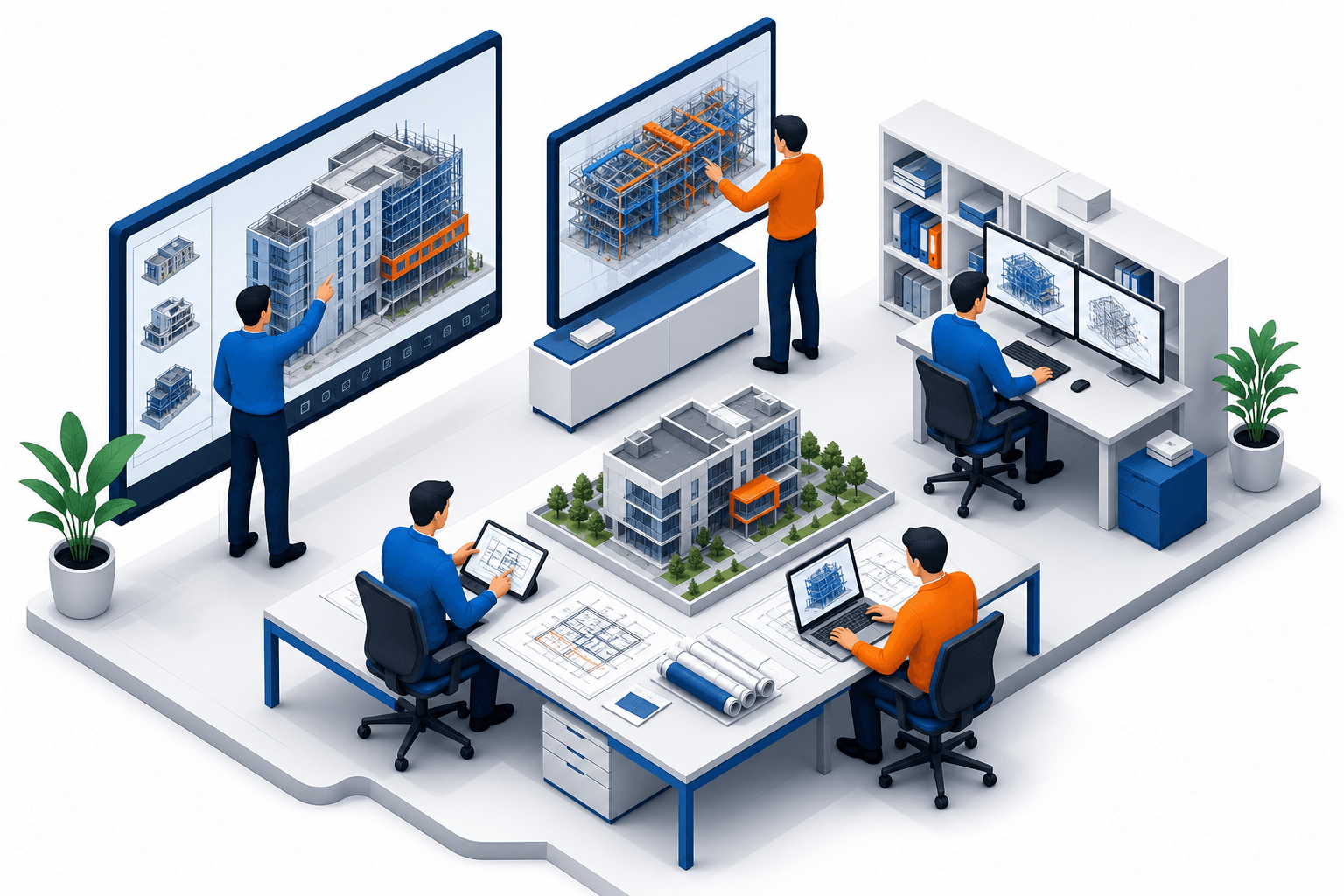
The construction and architecture industries are continuously evolving, not least due to technological advancements like Building Information Modeling (BIM). For small and mid-sized firms, adopting BIM can seem like a daunting task. However, with its potential for enhanced efficiency, project accuracy, and collaborative improvement, the transition to BIM is worth the investment. At Adyantrix, we recognise the challenges these firms face and are committed to guiding them through this transformative journey.
Understanding BIM and Its Importance
BIM is not just a tool — it is a structured process built on three interconnected pillars: geometry, data, and process/collaboration. Understanding this distinction is critical, because the single most common mistake small and mid-size firms make when beginning their BIM journey is treating BIM as simply a 3D CAD upgrade.
Geometry is the most visible pillar. A BIM model encodes spatial relationships, component dimensions, and clash geometry in ways that a 2D drawing or even a pure 3D CAD model cannot. Walls know they are walls; windows carry a host parameter set; structural columns embed load-bearing properties. This intelligence is what allows automated clash detection and quantity take-offs to function.
Data is the pillar that unlocks long-term value. Every object in a BIM model carries a rich parameter set — manufacturer codes, material specifications, fire ratings, maintenance schedules. When a model is handed over to a facilities management team, that embedded data can reduce reactive maintenance costs by providing instant access to as-built component records. Firms that skip data discipline at the outset end up with geometry-only models that deliver only a fraction of the return on investment.
Process and collaboration is the pillar that determines whether the other two deliver value at project scale. BIM depends on agreed workflows: who creates which model elements, at what Level of Development (LOD), by what stage gate, and through which Common Data Environment (CDE). Without process discipline, even the richest geometry and data become inconsistent and unreliable.
According to a study by Dodge Data and Analytics, firms adopting BIM report up to a 20% improvement in project delivery time and a 22% reduction in change orders. This translates to significant cost savings and resource optimisation, which are critical for smaller firms striving to maintain competitiveness in the industry. The firms that realise those gains are the ones that invest in all three pillars — not just the geometry layer.
Setting the Foundation: Strategic Planning
Before diving into technology solutions, small and mid-size firms need to outline a strategic plan for BIM adoption. This begins with defining clear objectives — understanding what you aim to achieve with BIM and how it fits into your broader business goals. Do you want to improve design accuracy, accelerate project delivery, or enhance client satisfaction? Answering this before selecting software prevents expensive tool-switching later.
At Adyantrix, we encourage firms to conduct a thorough needs assessment structured around a gap analysis. Consider asking the following questions for each current project workflow:
- Where do errors or clashes typically surface — design, coordination, or site?
- How much time is lost to RFI (Request for Information) cycles per project?
- Which disciplines are currently producing 3D geometry, and which remain on 2D drawings?
- What is the firm's current CDE capability — shared drive, a dedicated platform, or no formal system?
- Are clients or main contractors already specifying a BIM Level of Development requirement in contracts?
Once the gaps are mapped, stakeholder mapping follows. Identify who in the organisation will be most affected — project managers, lead modellers, site coordinators, and practice directors all have different stakes in the transition. Resistance most often appears where people feel their existing competence is undervalued. Early involvement and transparent communication about the rollout plan addresses this before it becomes an obstacle.
A typical phased roadmap for a firm of 5–20 people looks like this:
Months 1–3 — Pilot. Select one live project of moderate complexity. Establish a BIM Execution Plan (BEP), agree LOD requirements, set up the CDE, and build the model with a small team of two to three people. Use this phase to identify software friction points and workflow gaps without exposing the whole firm.
Months 4–6 — Rollout. Extend BIM to two or three additional projects. Bring in the wider team through structured training (see the section below). Standardise template files, object libraries, and naming conventions. Review the BEP after the pilot and update it based on findings.
Months 7–12 — Optimise. Introduce 4D scheduling overlays and 5D cost data where client contracts support it. Run regular coordination meetings using the federated model. Measure KPIs (RFI reduction, clash count, design-stage change orders) and report them internally. Begin marketing your BIM capability to new clients.
A typical BIM Execution Plan might encode project-level configuration as:
{
  "project": {
    "name": "Riverside Commercial Block A",
    "bep_version": "1.2",
    "cde_path": "https://acc.autodesk.com/projects/abc123",
    "disciplines": ["architectural", "structural", "mep"],
    "lod_by_stage": {
      "concept": 100,
      "design_development": 200,
      "technical_design": 300,
      "construction": 350,
      "handover": 400
    },
    "coordinate_system": "OS_National_Grid_OSGB36",
    "ifc_export_schema": "IFC4",
    "clash_detection_cadence": "bi-weekly"
  }
}
Storing this configuration in a version-controlled BEP document ensures every team member and sub-consultant is working to the same parameters from day one.
Selecting the Right BIM Technology
One of the critical steps in BIM adoption is choosing the right software. The market is filled with numerous tools, each offering distinct features and capabilities. It is crucial to select a solution that not only fits your firm's immediate needs but also scales with future growth. Here is a comparative table of three popular BIM tools tailored for small and mid-size firms:
| Feature | Autodesk Revit | ARCHICAD | Vectorworks |
|---|---|---|---|
| User Interface | Intuitive, parametric | Clean, object-based | Comprehensive UX |
| 3D Modeling | Yes | Yes | Yes |
| Collaboration | Native cloud (ACC) | Teamwork feature | Project sharing |
| IFC Export Support | Full IFC2x3 / IFC4 | Full IFC4 | Full IFC4 |
| Mobile / Tablet Access | RVT viewer (iOS/Android) | BIMx mobile app | Limited |
| Subscription Cost Range | £2,200–£3,400/yr | £1,800–£2,600/yr | £2,000–£2,900/yr |
| UK / EU Support Hours | Extended (Mon–Fri) | Dedicated EU team | Community-led |
| Learning Resources | Extensive (Autodesk Learning) | Good (GRAPHISOFT Learn) | Active community |
| Entry Barrier | Moderate to high | Moderate | High |
When Revit is the right fit: Revit dominates the UK and EU contractor ecosystem. If your firm regularly collaborates with large main contractors or structural engineers, Revit's market prevalence means federated model exchange is simpler and IFC round-trips are less lossy. Autodesk Construction Cloud (ACC) also provides the most mature CDE environment at the SME price point.
When ARCHICAD is the right fit: ARCHICAD's object-based architecture is significantly friendlier to small architectural practices moving from 2D CAD. The learning curve is shallower, and the Teamwork feature handles multi-user collaboration well over modest internet connections — an advantage for firms without dedicated IT infrastructure. If your pipeline is predominantly architectural and your structural engineer is already working in ARCHICAD, this is the natural choice.
When Vectorworks is the right fit: Vectorworks suits firms with a strong landscape or entertainment design component, or those that need a CAD-to-BIM transition path that preserves their existing 2D drawing workflow. It is less common in the pure construction coordination space, so federated model collaboration with structural and MEP consultants may require additional IFC exchange steps.
Choosing the right BIM tool should not be rushed. Firms need to consider functionality, ease of use, integration capabilities with existing systems, and cost. Running a 30-day trial of your shortlisted tools on a real (non-critical) project is the most reliable evaluation method.
Building Competence: Training and Skills Development
Implementing BIM requires not only technology but also skills development among your workforce. Many smaller firms encounter resistance when introducing new software due to the perceived learning curve. Addressing this through structured training programmes is essential to a smooth transition.
Adyantrix supports firms by designing customised training modules tailored to their team's varying expertise levels. Hands-on workshops, webinars, and continuous learning opportunities help ease the transition and enhance proficiency in BIM tools and methodologies.
A four-week onboarding schedule that has worked well for small firms typically looks like this:
Week 1 — Foundations. All staff complete Autodesk's free Revit Learning Path (available at learn.autodesk.com) through the "Core Concepts" module. Focus areas: navigation, view management, basic wall and door placement. No project work yet — this is pure orientation.
Week 2 — Role-specific depth. Training splits by role:
- Project managers focus on schedule views, sheet sets, and BIM Execution Plan authoring. They do not need to model; they need to read and manage the model.
- Modellers move into family creation, parametric constraints, and level/grid setup. The goal by end of week is a coordinated floor plate from a given brief.
- Coordinators focus on linked model management, clash detection using Navisworks or Revit's built-in interference check, and export/import of IFC files from consultant models.
Week 3 — Pilot project application. Each role applies week 2 skills on the designated pilot project. A lead modeller sets up the central file and shared coordinates. Project manager creates the BEP template. Coordinator links in a structural reference model (even a simplified one) and runs a first clash report.
Week 4 — Review and consolidation. The team walks through the pilot model together and identifies where the workflow broke down. Common issues at this stage include inconsistent naming conventions, levels not shared correctly, and wall joins misbehaving at intersections. Document the fixes as firm-level standards.
Autodesk's free Revit learning paths, combined with the official Autodesk Certified User (ACU) exam preparation materials, provide a structured curriculum without licensing cost. For ARCHICAD users, GRAPHISOFT Learn offers equivalent free content through its Partner network.
Executing and Iterating the BIM Process
The journey does not end with the initial implementation. Continuous improvement is the key to maintaining and optimising the BIM process. Begin by piloting a smaller project to gather insights and refine your approach.
A pilot project checklist for a small firm should cover:
- BIM Execution Plan signed off by all project stakeholders before any modelling begins
- Shared coordinate origin established and verified against OS grid reference
- CDE folder structure created and access permissions assigned to all contributors
- Naming convention applied to all files, sheets, and families from day one
- At least one bi-weekly coordination meeting scheduled with clash detection review on the agenda
- IFC export tested with a structural or MEP consultant model before construction package issue
- A retrospective session booked for the week after practical completion
Setting measurable KPIs before the pilot starts is critical. Without a baseline, it is impossible to demonstrate the return on investment to practice directors or to identify where the process needs to improve. Useful KPIs for a first BIM pilot include:
- RFI reduction percentage: compare the number of RFIs raised on this project against a comparable traditional-workflow project of similar scale and complexity
- Clash detection rate: the number of clashes identified and resolved in the model before site commencement, expressed as a percentage of the total clashes found across both the model and the site
- Design-stage change orders: measure the number and value of change orders attributable to coordination errors, compared against the firm's historical average
After the pilot, run a structured retrospective. Gather the whole project team — not just the BIM lead — and ask three questions: What went well? What caused friction? What one change would have the biggest impact on the next project? Document the outputs in a lessons-learned register and update the BEP template before the next project starts. Firms that run retrospectives consistently find their second BIM project dramatically smoother than the first, and by the third project, BIM overhead is typically lower than their legacy 2D workflow.
An essential part of this stage is engaging in regular coordination meetings to ensure seamless collaboration between different teams. At Adyantrix, we recommend using cloud solutions to facilitate real-time data sharing and updates across teams, which can significantly enhance project efficiency and accuracy.
Frequently Asked Questions
Adopting BIM now allows firms to remain competitive by improving project outcomes, reducing errors, and optimising resource management. Major UK and EU public sector clients are increasingly specifying BIM Level 2 as a contract requirement, which means firms without BIM capability are effectively excluded from a growing portion of the market. The sooner BIM is implemented, the quicker firms can realise these benefits.
Firms should begin with strategic planning to define objectives and conduct a needs assessment, including a gap analysis of current workflows. Following this, selecting appropriate BIM technology and investing in workforce training are crucial initial steps. Designating an internal BIM champion — someone who owns the process and advocates for it internally — is equally important and often overlooked.
For small firms, training is often more customised and focused on immediate needs, considering their limited resources. They may require more foundational training with a stronger emphasis on practical, real-world application. Role-specific training — separating project manager, modeller, and coordinator learning tracks — delivers faster competency gains than generic whole-team sessions.
Firms may face challenges like resistance to change, the initial financial investment, and the learning curve associated with new technologies. A commonly underestimated challenge is data discipline: keeping model parameters clean and consistent across a team requires process rigour that takes time to establish. Overcoming these challenges involves strategic planning, choosing the right technology, and ongoing training.
Yes, BIM can often be integrated into existing workflows, though it may require adjustments and coordination effort. Cloud-based solutions are particularly effective for seamless integration and collaboration. Most firms find that the transition period — typically three to six months — involves running BIM and legacy 2D processes in parallel before the team is confident enough to commit fully to the new workflow.
Conclusion
Embracing BIM offers a pathway to greater efficiency and effectiveness for small and mid-size firms. By focusing on strategic planning, careful selection of technology, and comprehensive training, firms can navigate the challenges that come with BIM adoption. At Adyantrix, we specialise in guiding firms through this process, ensuring they achieve their desired outcomes. To learn more about how Adyantrix can support your firm with BIM consulting and more, visit our BIM Consulting Services.