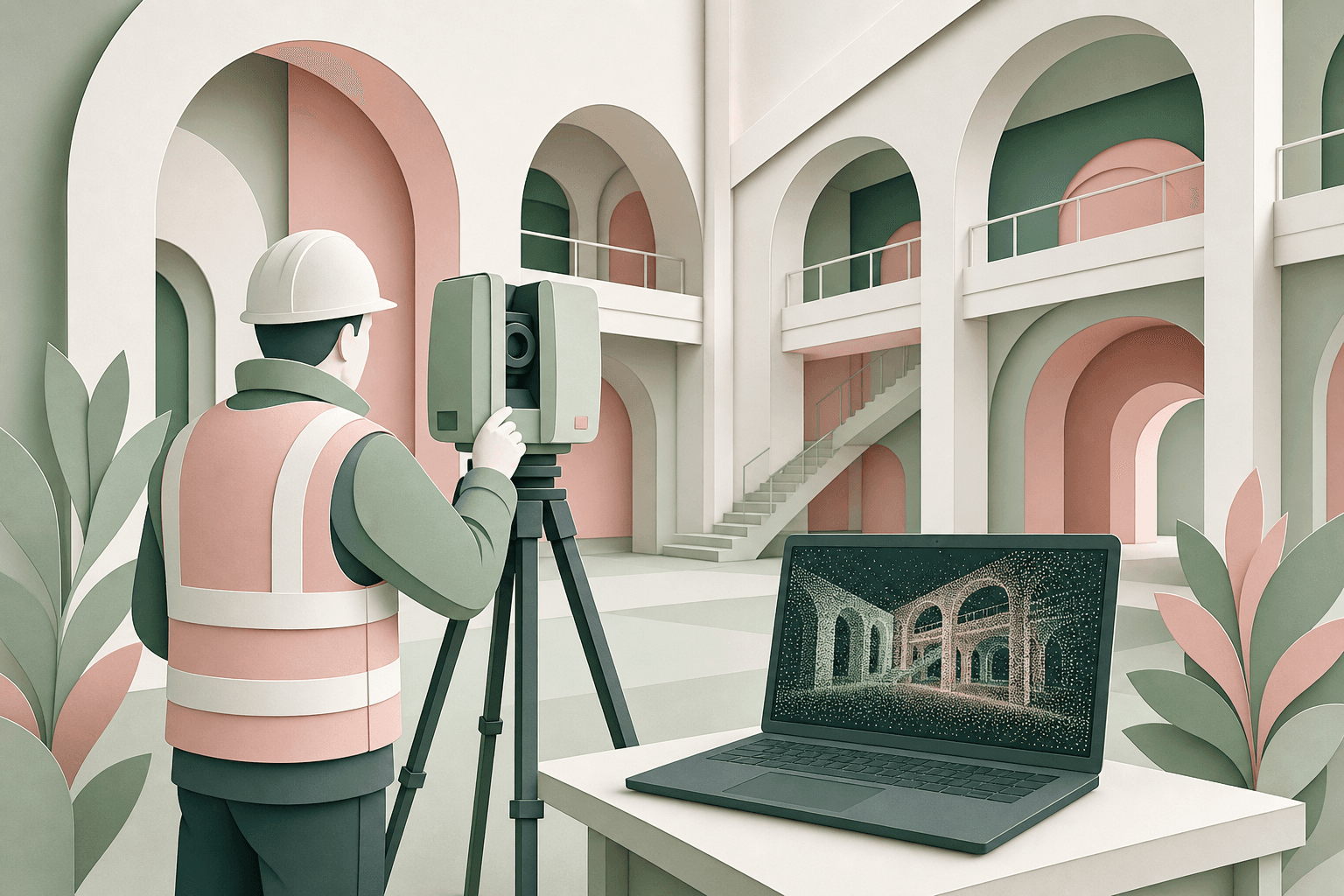
In the ever-evolving world of construction technology, the integration of reality capture techniques, specifically the merging of point cloud data with Revit models, is revolutionizing the landscape of Building Information Modeling (BIM). As construction projects become more complex, there is an increasing need for precise and comprehensive models that reflect real-world conditions. Reality capture, through its ability to accurately measure and document existing conditions, is bridging the gap between the physical and digital realms, offering unprecedented accuracy and efficiency.
Understanding Reality Capture
Reality capture refers to the process of capturing the physical environment in high detail using methods like photogrammetry, laser scanning, and drone surveying. It involves collecting data points to create point clouds, which are essentially digital representations of physical spaces. This process is critical in various domains, including architecture, construction, and heritage conservation, where precise replication of the existing environment is imperative.
For instance, laser scanning, one of the most popular reality capture methods, employs laser beams to sweep across surfaces, capturing millions of data points in three dimensions. According to a report by MarketsandMarkets, the laser scanning market is expected to grow from USD 2.53 billion in 2020 to USD 4.09 billion by 2025, underscoring its rapidly increasing relevance in the industry.
The Role of Point Clouds in BIM
Point clouds serve as the foundation for creating 3D models in BIM software like Revit. By importing point cloud data into Revit, architects and engineers can develop models that mirror the existing conditions of a site, providing a robust basis for refurbishment, renovation, or extension projects.
Traditionally, the creation of as-built models involved manual measurements and data entry, a time-consuming and error-prone process. With point clouds, the process is automated and more accurate. For example, in a large office renovation, using point cloud data can reduce modeling time by up to 30%, as reported by Autodesk.
Tools and Techniques for Merging Point Cloud Data with Revit
Several tools and plugins facilitate the seamless integration of point cloud data with Revit models. Each tool has its distinct set of features, advantages, and potential limitations. The following table provides a comparison of several popular tools:
| Tool Name | Features | Pros | Cons |
|---|---|---|---|
| Autodesk Revit | Directly imports point clouds, robust modeling | Integrated with Autodesk ecosystem | Requires significant processing power |
| CloudCompare | Open-source, handles large datasets | Free and community-supported | Steeper learning curve for new users |
| Leica Cyclone | Advanced processing, visual features | Extensive toolset for point cloud processing | High cost |
| Trimble RealWorks | Aligns scans with CAD models | Wide application across industries | May require training for full feature utilization |
Annotated Step-by-Step Example
Here is a simple walkthrough to integrate point cloud data into a Revit model using Autodesk Revit:
-
Import Point Cloud: Navigate to the 'Insert' ribbon in Revit, select 'Point Cloud,' and then choose the file type (e.g., .rcs or .rcp). Select your point cloud file and place it within your Revit model space.
-
Alignment and Scaling: Use the 'Properties' palette to adjust the scale and alignment of the point cloud to match reference points within Revit. Accurate alignment is crucial to ensure that the as-built model corresponds with the physical site.
-
Modeling: Begin modeling components directly on the point cloud. Use tools such as 'Create Walls,' 'Floors,' and 'Roofs' to trace over the point cloud and convert it into a parametric BIM model.
-
Validation: Conduct thorough visual checks and make adjustments as necessary. Tools like 'Section Box' can isolate certain areas for detailed examination.
-
Export: Once satisfied with the model, you may export it as necessary for further use, such as coordination with other project stakeholders or clash detection.
Overcoming Challenges in Point Cloud Integration
While the benefits of integrating point cloud data into Revit are substantial, challenges do exist. One common issue is the sheer size of point cloud files, which can be cumbersome to handle. High-resolution scans can easily reach millions of points, demanding considerable processing power and storage capacity.
Moreover, ensuring data accuracy from point cloud imports is critical. Misaligned or incorrectly scaled point clouds can lead to significant errors in project planning. Therefore, investing in ongoing training and high-quality software solutions is vital for professionals using these technologies.
Additionally, there is a challenge in maintaining data integrity and managing changes between point clouds and evolving Revit models. Collaborative platforms such as Autodesk BIM 360 are invaluable, providing a centralized hub where updates and revisions are logged and easily tracked.
Applications and Real-World Examples
The utility of point cloud data integrated with Revit spans numerous industries. For example, during the restoration of historic landmarks, precise modeling is necessary to preserve cultural heritage. In one notable case, the Notre-Dame Cathedral benefitted from point cloud data captured prior to its devastating fire, enabling detailed restoration efforts.
In the commercial sector, office and retail space designs benefit from reality capture technologies to facilitate accurate space utilization assessments and renovations. The adaptability to accurately simulate intended layout changes before actual modifications takes place ensures economical resource use and project efficiency.
MEP (Mechanical, Electrical, and Plumbing) engineering is another area where point cloud integration delivers measurable value. Accurately capturing existing ductwork, pipe runs, and electrical conduit within a Revit model allows engineers to plan clash-free installations before any physical work begins. This proactive approach reduces costly on-site rework and shortens project delivery timelines. Infrastructure projects such as bridges, tunnels, and rail networks also rely on this technology to document as-built conditions and plan maintenance interventions with millimeter-level precision.
Frequently Asked Questions
Conclusion
The integration of reality capture technologies, particularly point cloud data with Revit models, is transforming the capabilities of design within the AEC industry. By leveraging these advanced tools, professionals can enhance accuracy, streamline processes, and achieve remarkable efficiency in project execution.
For businesses seeking to adopt or optimize their use of such technologies, partnering with experts like Adyantrix can be invaluable. Our team offers comprehensive BIM services to support the transition from traditional modeling methods to modern, data-driven processes, ensuring that your projects benefit from cutting-edge advancements in construction technology.